
Businesses use our commercial solutions Access Server or CloudConnexa.
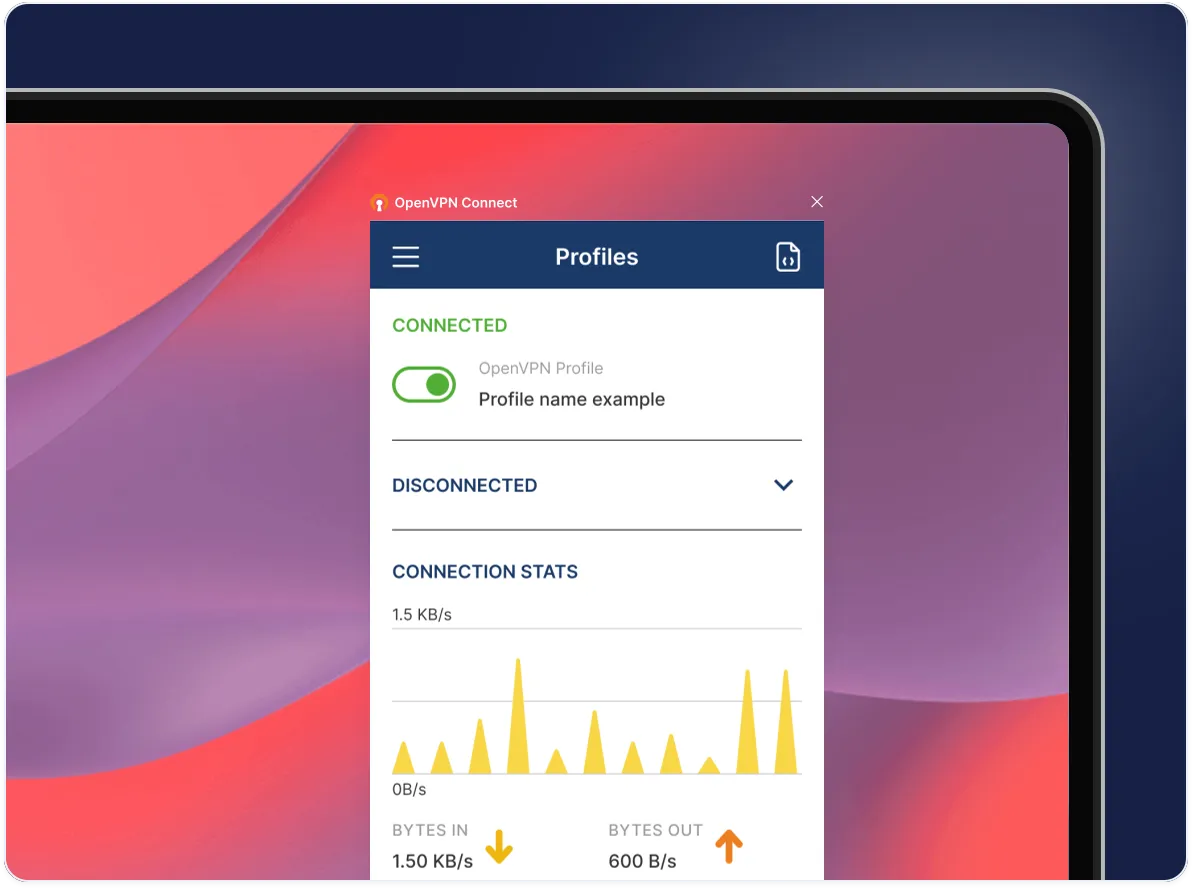
OpenVPN Connect for ChromeOS
Download official client application that enables you to securely access your organization's network resources.

Or download for other platforms:

Windows

macOS

Linux

iOS

Android
Set up OpenVPN Connect
Download the OpenVPN Connect app
Download the OpenVPN Connect - OpenVPN App from the Google Play Store on your ChromeOS device. Open the app after installation to review and agree to the data usage policy.
Import your connection profile
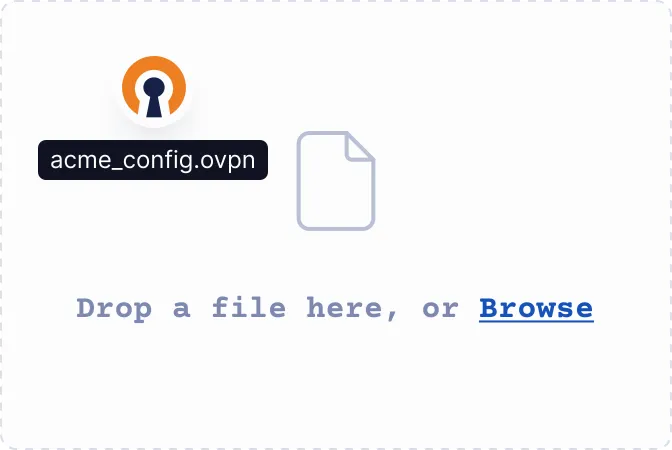
Upload the .ovpn file or enter the URL — either your Access Server's IP address or CloudConnexa's Cloud ID — provided by your IT team or VPN provider.
Connect to the VPN
Toggle the switch next to your connection profile to establish your VPN connection. You'll see a status indicator when your connection is active.