
Businesses use our commercial solutions Access Server or CloudConnexa.

OpenVPN Connect for macOS
Download official client application that enables you to securely access your organization's network resources.
Available for: Big Sur, Monterey, Ventura, Sonoma, Sequoia and Tahoe
Check what’s new or View Installation Guide
Or download for other platforms:

Windows

Linux

iOS

Android

ChromeOS
Set up OpenVPN Connect
Download the OpenVPN Connect app
Download and run the OpenVPN Connect for macOS installer (.dmg file). Follow the on-screen prompts to install the OpenVPN Connect app for Apple Silicon or Intel Chip.
Import your connection profile
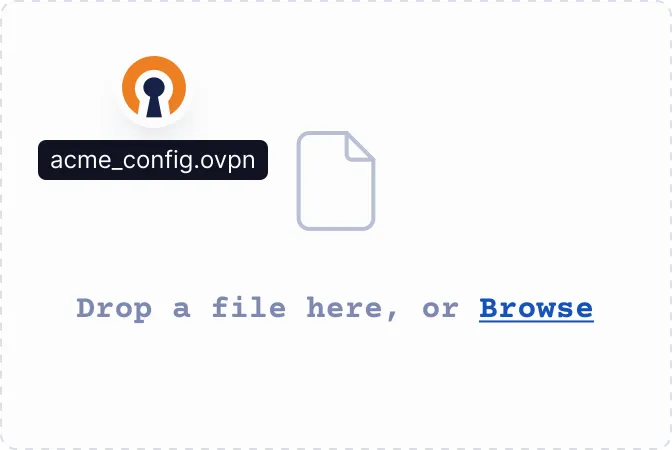
Upload the .ovpn file or enter the URL — either your Access Server's IP address or CloudConnexa's Cloud ID — provided by your IT team or VPN provider.
Connect to the VPN
Toggle the switch next to your connection profile to establish your VPN connection. You'll see a status indicator when your connection is active.