Access Server for Microsoft Azure: Secure Access Made Simple

Deploy Access Server from Microsoft Marketplace in minutes and give employees, contractors and partners secure access to the apps and services in your Azure VNet. Choose how you pay: Hourly, a monthly or annual contract (PAYG), or your own license (BYOL).
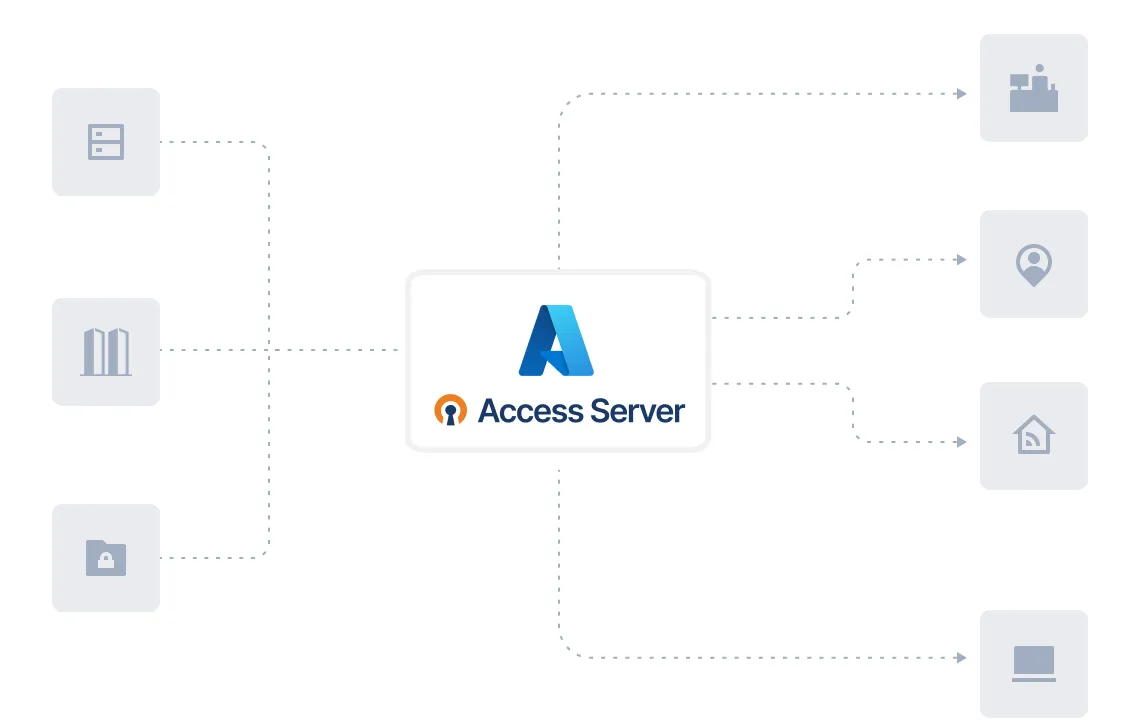
Access Server for Microsoft Azure

Securely extend your Azure VNet with a Zero Trust VPN

Let your remote workforce, contractors and partners securely reach the applications and services hosted in your Azure VNet. With Access Server on Azure, you can define granular access controls, selectively route traffic, and enforce Zero Trust Network Access (ZTNA) to minimize security breaches and protect sensitive data across your entire infrastructure.

Icon Templar

Enterprise-grade authentication

Integrate seamlessly with PAM, LDAP, RADIUS, or SAML via Microsoft Entra ID (formerly Azure AD) for full SSO across your organization.

Icon key

Vendor and pricing flexibility

Steer clear of unpredictable licensing fees or being locked into a single provider's proprietary gateway solution.

Icon OpenVPN

Self-hosted and self-managed VPN

Take complete control over security policies, routing, user access, and network segmentation for a more resilient network.

Which Access Server listing on Azure fits you?

Each option runs the same Access Server in your own Azure VNet. Choose based on how long you’ll run it and how your business wants to procure.

How you pay
Monthly or annual contract (PAYG)Monthly or annual contract through Microsoft Marketplace
HourlyBy the hour on your Azure invoice, with no contract
BYOLMonthly or yearly subscription from OpenVPN
How you deploy
Monthly or annual contract (PAYG)Azure Launcher in Access Server Hub
HourlyARM template (sets up the VM, network and static IP for you)
BYOLARM template (sets up the VM, network and static IP for you)
Connections
Monthly or annual contract (PAYG)Preset limits, or a custom contract through Sales
Hourly5 to 750 connections
BYOLCustom (two free connections to get started)
Best fit
Monthly or annual contract (PAYG)You want Azure-managed billing with more flexibility to change the number of connections later.
HourlyYou want to pay only while it runs, with no contract or license key (e.g., dev/test, contractor access, project or migration work, DR standby, CI runners).
BYOLYou want to purchase and manage an Access Server Subscription directly through OpenVPN.

Azure charges separately for the VM and other infrastructure.

Clock in, clock out. Pay only for the hours Access Server runs

Choose a connection plan, deploy with an ARM template, and pay by the hour on your Azure invoice.

iconNo purchase order or license key

Skip vendor onboarding and the annual commitment. The software and the VM are billed by the hour on the Azure invoice your team already pays.

iconBuilt for access you need now

Use it for dev/test, contractor or vendor access, project or migration work, DR standby, and CI/CD runners that reach private resources in your VNet. Software charges stop when the VM is stopped (deallocated); Azure infrastructure charges still apply.

iconPay for the connections you need

Choose from 23 connection tiers, from 5 to 750 simultaneous connections, and pay the hourly rate for the tier you pick.

Commit monthly or annually and keep everything on one Azure invoice

Purchase connections through Microsoft Marketplace with a monthly or annual contract (PAYG) and easily deploy Access Server using our Azure Launcher script.

iconAzure-billed convenience

Consolidate VPN and infrastructure costs into a single Azure invoice and simplify vendor management.

iconHigh availability & scalability

Share a contracted connection pool across multiple Access Servers to increase load capacity, or assign a different PAYG subscription to each Access Server deployment to precisely track spending for specific departments or projects.

iconFlexible connections limit

Choose from a wide selection of preset connection limits – or contact OpenVPN’s Sales Team for a custom contract – to meet your business needs.

Purchase connections from OpenVPN with Access Server BYOL

Use an Access Server subscription from OpenVPN. Deploy from Microsoft Marketplace with an ARM template that sets up the VM and network for you. Get started easily with two free connections.

iconDeployed in one step

Our ARM template provisions the VM, network and security rules and configures Access Server in a single deployment, so it’s ready to use the moment it’s live.

iconAutomatic renewals

When you purchase through OpenVPN, you have the option of automatic renewals and you can modify your renewal settings anytime.

iconScale on demand

Share one activation key among multiple Access Servers and adjust the number of associated connections at will.

Get started quickly with Access Server on Azure

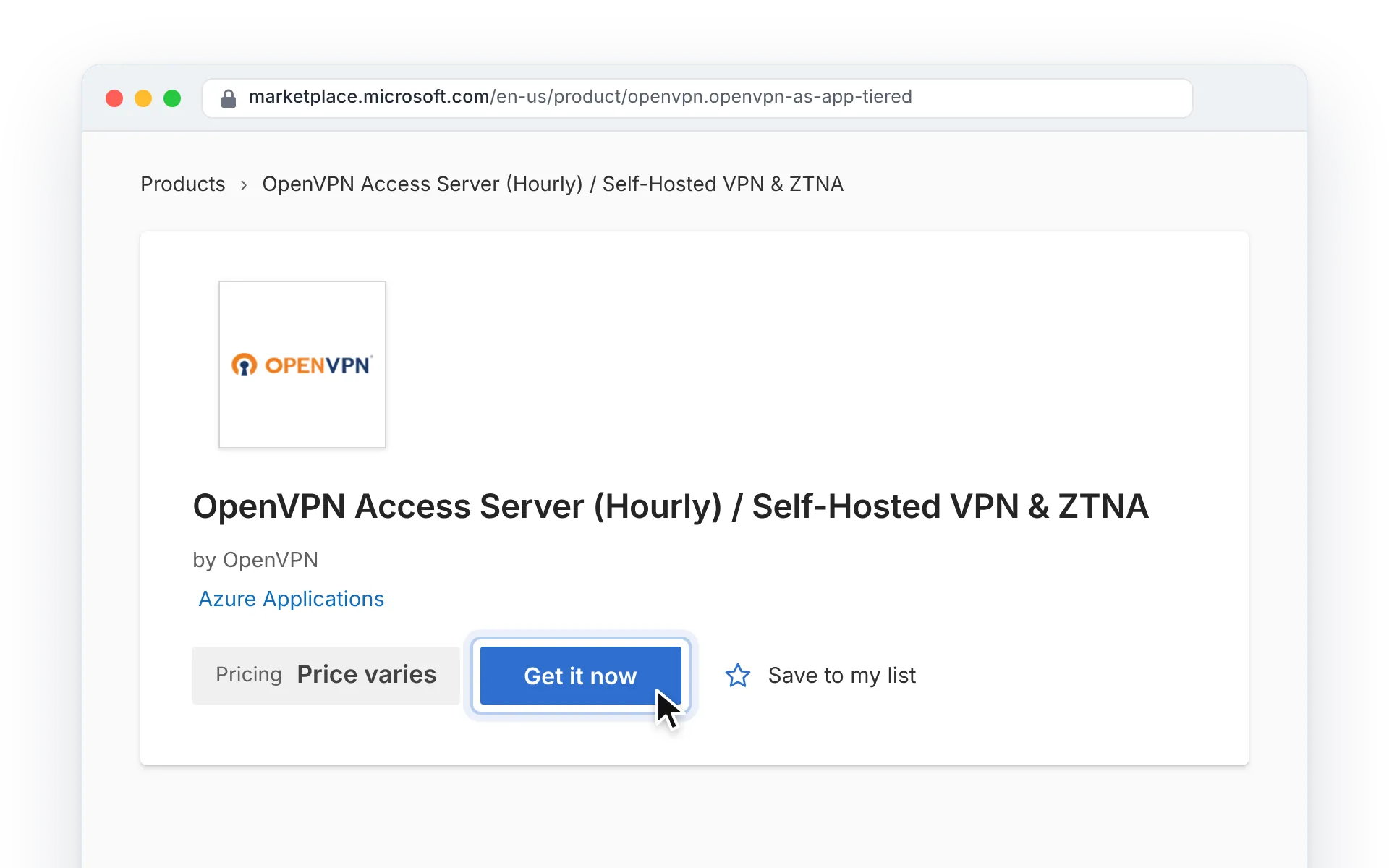
Azure Marketplace listing
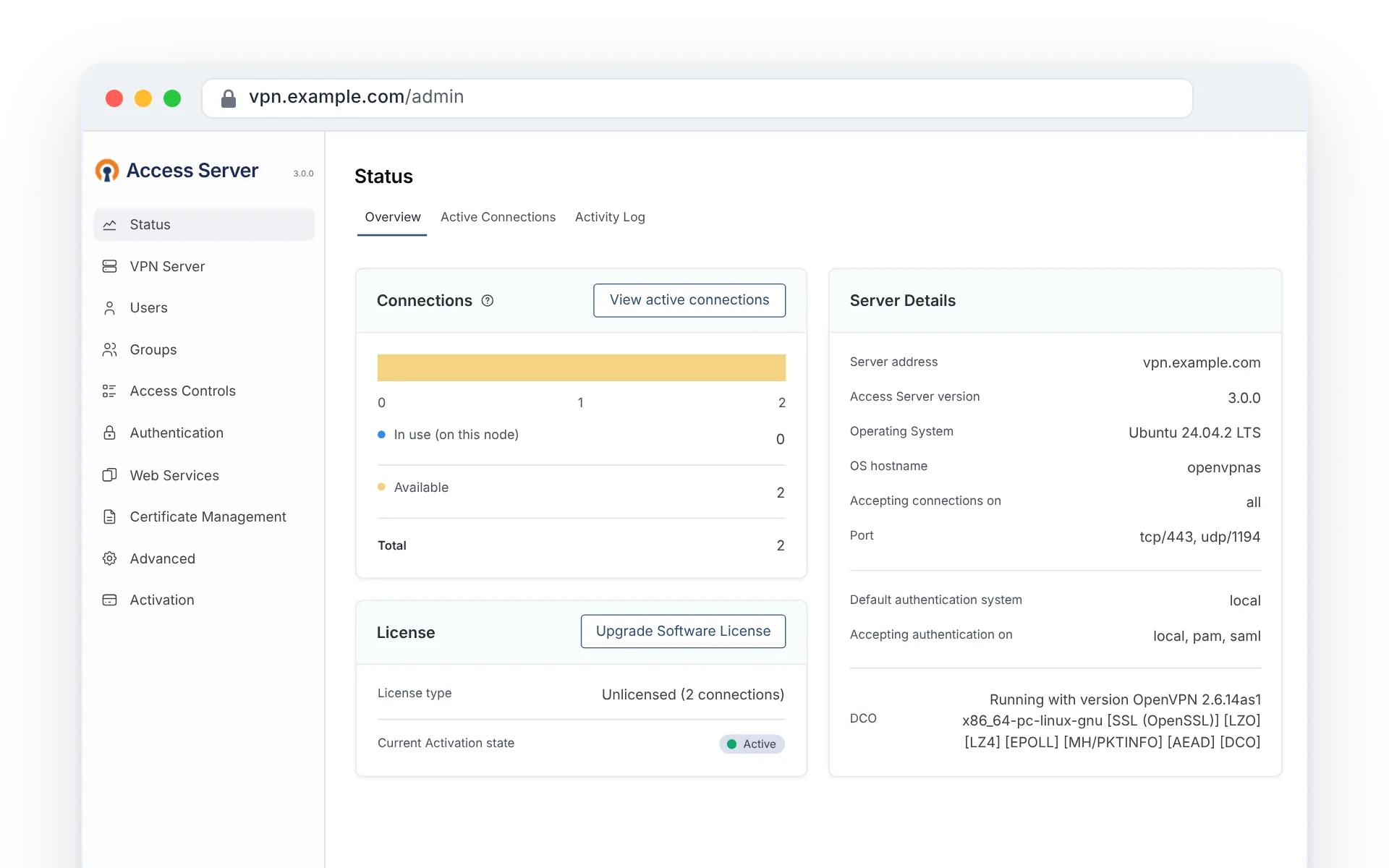
Access Server Admin Web UI
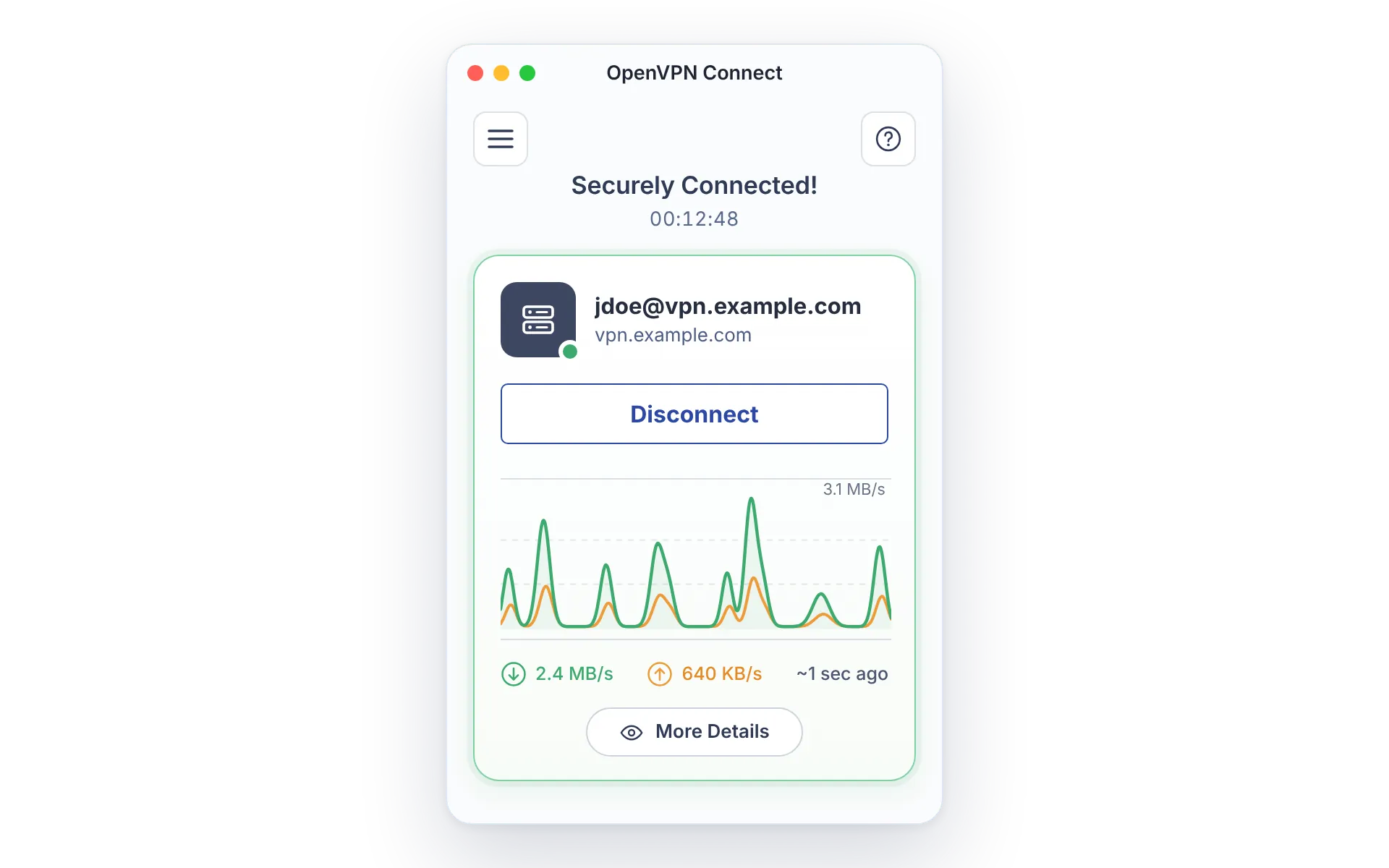
OpenVPN Connect app

Step 1:

Deploy from Microsoft Marketplace with the option you chose:
PAYG: Configure your contract from the Microsoft Marketplace and launch with our Azure Launcher script in Access Server Hub.
Hourly: Pick a connection plan and deploy the ARM template. No activation key needed.
BYOL: Deploy the ARM template, then enter your activation key from Access Server Hub.

Step 2:

Log in to your Admin Web UI to manage your Access Server configuration, including network settings, access controls, and more.

Step 3:

Connect to your Access Server to access the applications and services on that network with the OpenVPN Connect app.

Launch Access Server on Microsoft Azure today

Purchase and launch Access Server in minutes directly through Microsoft Marketplace.

Resources

Quick-start guide for PAYG

Ready to dive in? Get started in minutes.Learn more

Quick-start guide for Access Server (Hourly) for Azure

Ready to dive in? Get started in minutes.Learn more

Quick-start guide for BYOL

Ready to dive in? Get started in minutes.Learn more

Switch listings

Move from Access Server (Hourly) to PAYG or BYOL for Azure.Learn more

Installation steps

Walk through the steps to install using the Access Server portal.Watch video

Subscription activation

Walk through the steps to activate your subscription key for Access Server.Watch video

Access Server datasheet

Explore and read more about Access Server’s capabilities.Download datasheet

Browse documentation

Read more about Access Server with our detailed guides.Learn more

Frequently asked questions