
App Client Views the Status of Shared Application
To view the status of a shared application as an App Client, carry out the following steps:
Sign in to your WPC's Administration portal by entering your Cloud ID in a web browser (for example,
company_name.openvpn.com).Navigate to AppHub.
Select the App Client tab if not displayed. An example screenshot is shown below.
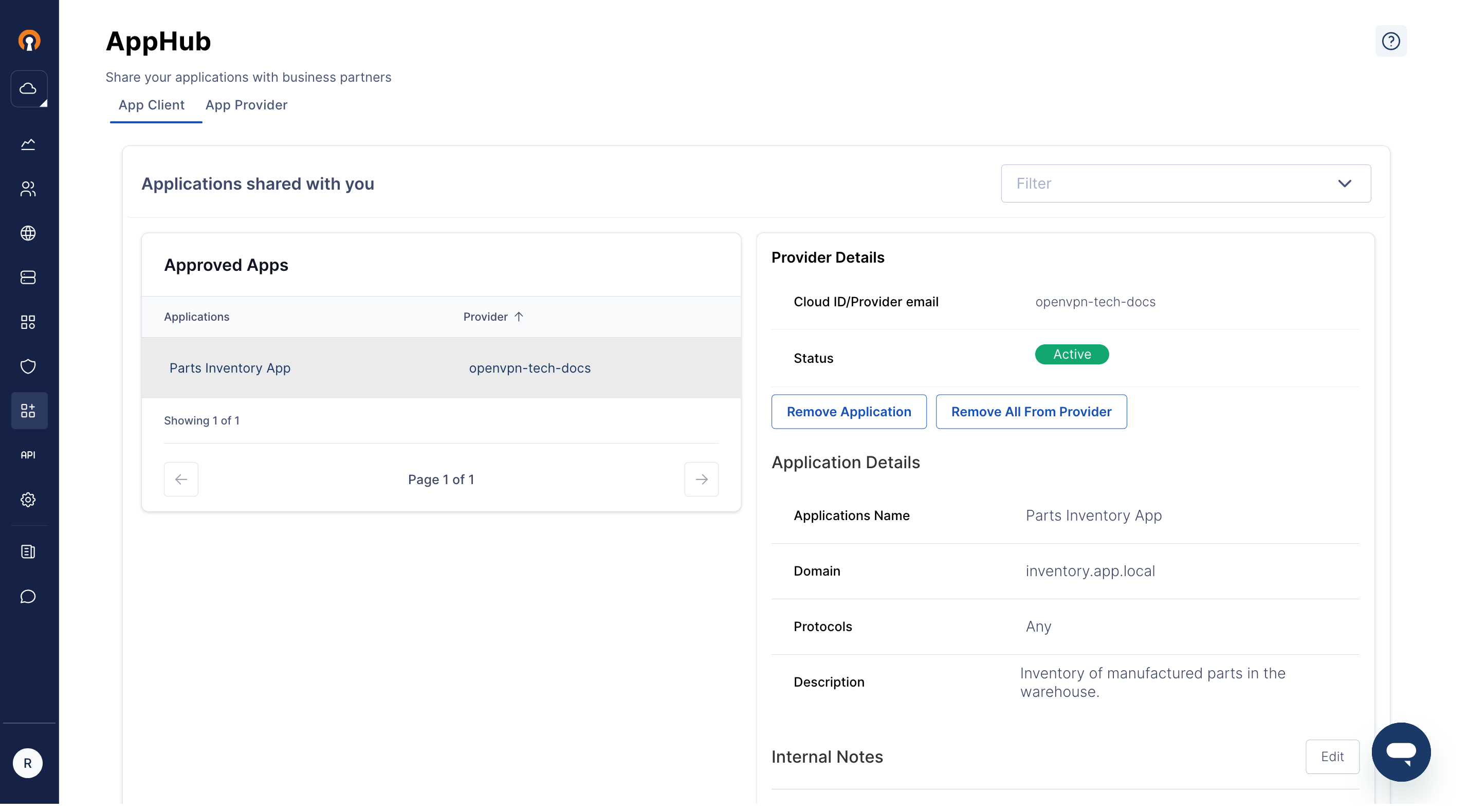
The shared application will appear in the Awaiting Approval or the Approved Apps sections in the left pane.
Select the application of interest.
The right pane will show the details of the Application, its status, and any internal notes.