
App Client Controls Access to the Shared Applications
Carry out these steps to set access control for Shared Applications that you have accepted from various App Providers:
Navigate to Access Groups
Create a new Access Group. Refer to Add an Access Group. See a sample screenshot below.
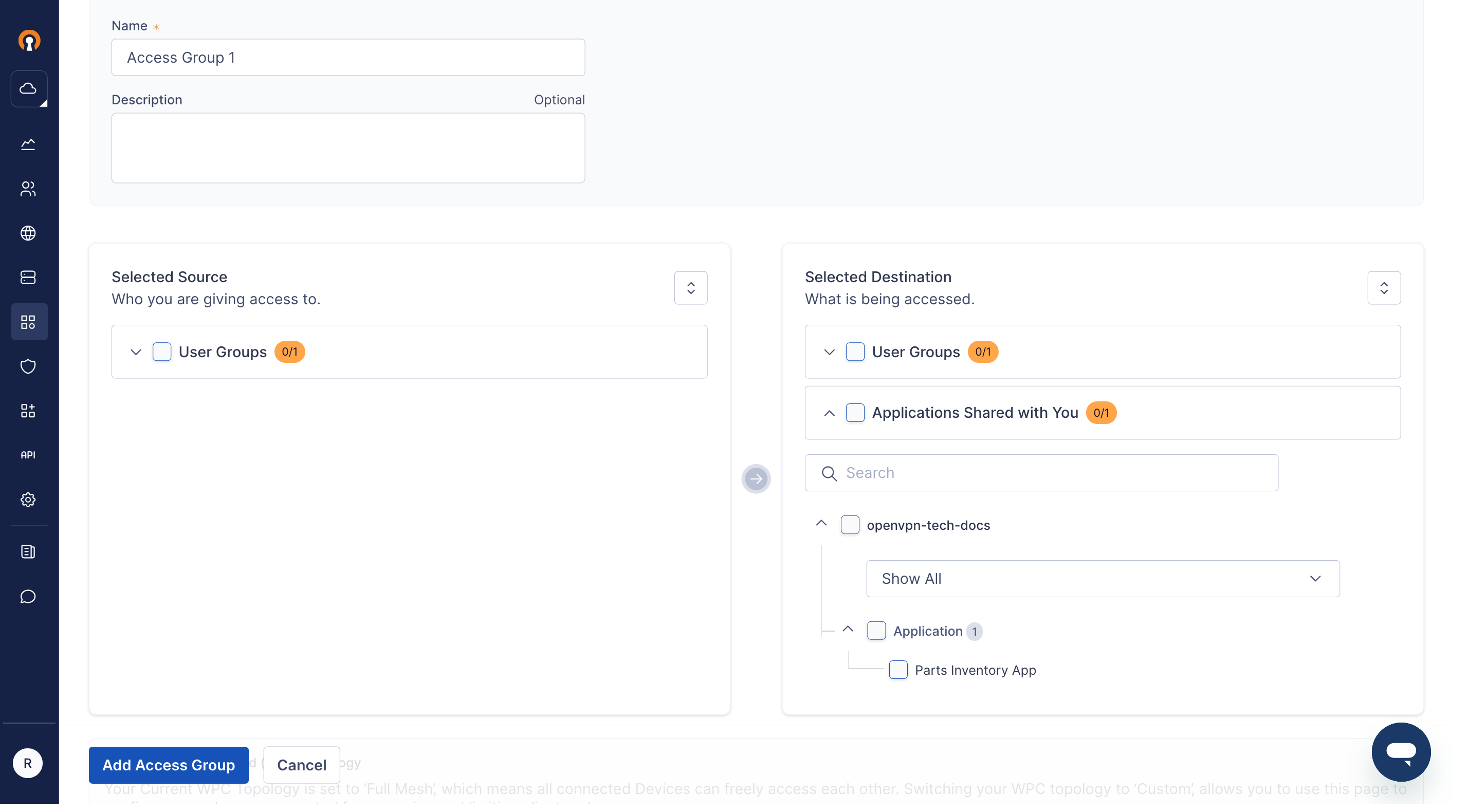
You will see a new section called Applications Shared with You , containing Shared Applications from the various App Providers whose Invitations were accepted.
Select the appropriate Sources and Destinations to configure the desired access control.