Delete Log Streaming Configuration
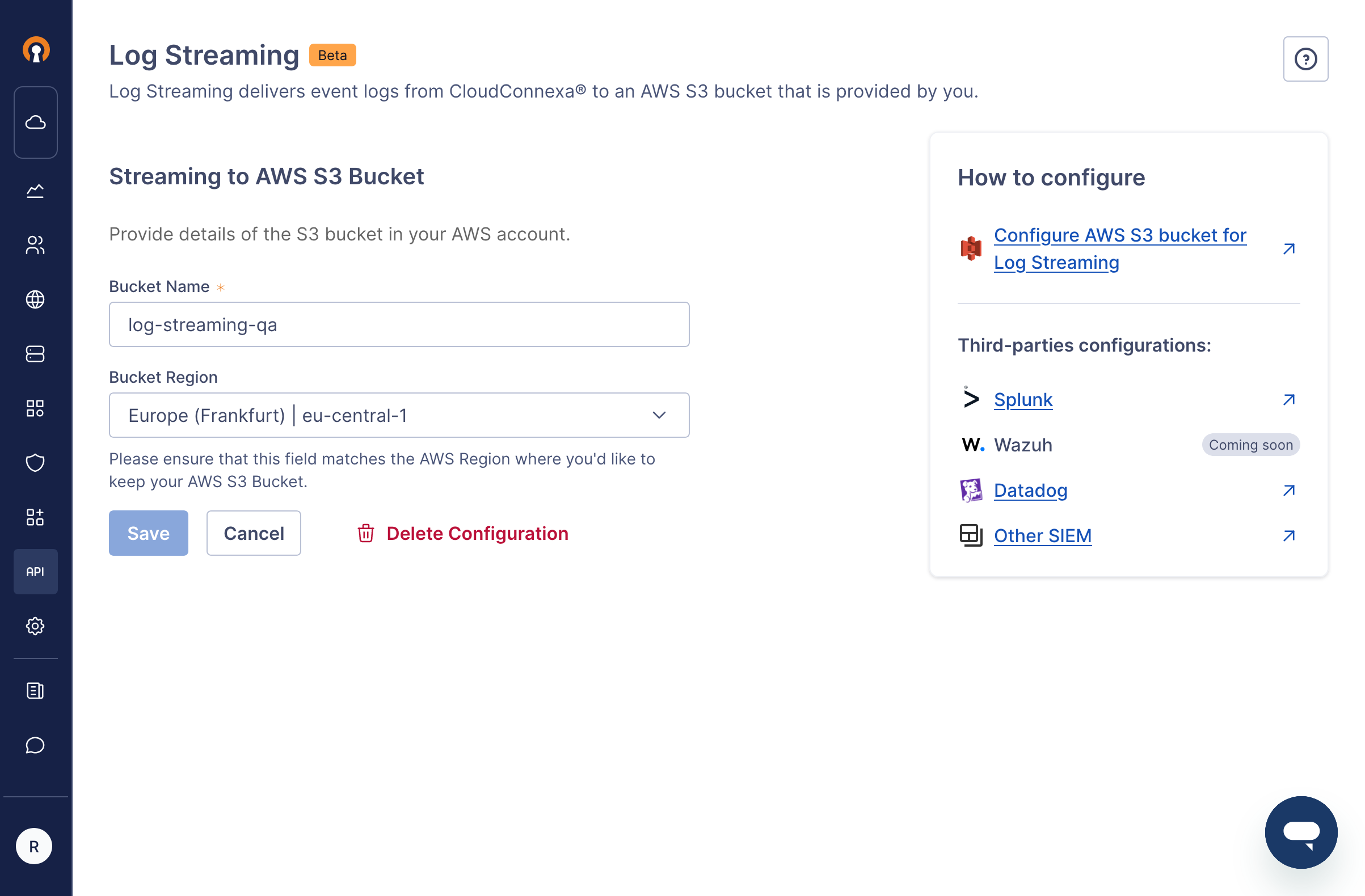
To delete Log Streaming configuration after you have configured Log Streaming with your AWS S3 bucket and activated it, follow the steps below:
Sign in to your WPC's Administration portal by entering your Cloud ID in a web browser (for example,
company_name.openvpn.com).Navigate to API & Logs > Log Streaming.
Click Edit , which is found next to the Streaming to AWS S3 Bucket heading.
Click Delete Configuration.
Screenshot showing the 'Delete Configuration' option