Activate Log Streaming
To activate Log Streaming, follow the steps below:
Sign in to your WPC's Administration portal by entering your Cloud ID in a web browser (for example,
company_name.openvpn.com).Navigate to API & Logs > Log Streaming.
Click Configure found below the brief description of Log Streaming functionality.
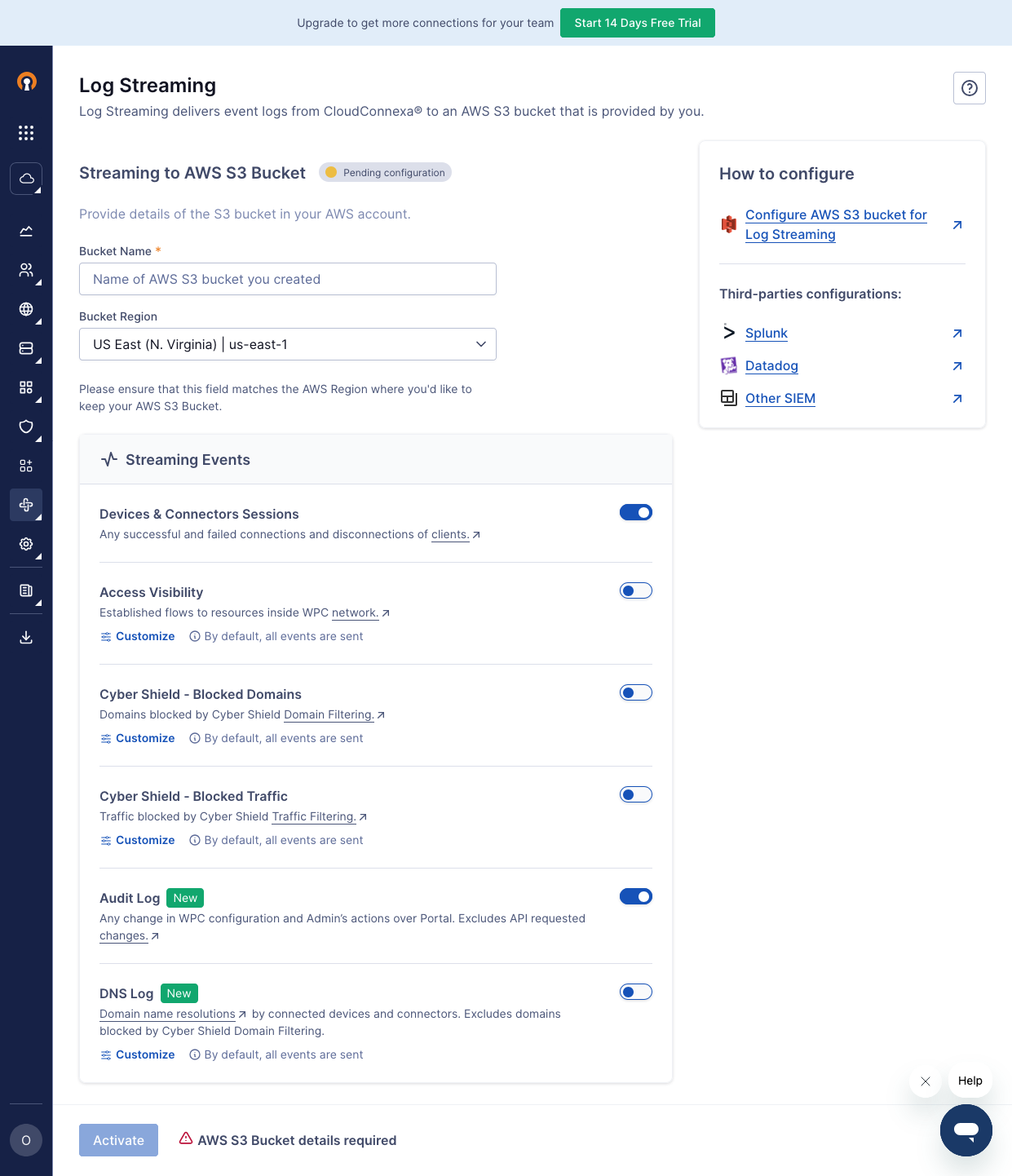
Select the type of events you want to be streamed in the Streaming Events section.
In the Streaming to AWS S3 Bucket section, enter your configured Bucket Name and select your Bucket Region from the drop-down list.
Click Activate.
Screenshot of the Log Streaming Configuration page