Change AWS S3 Bucket Configuration
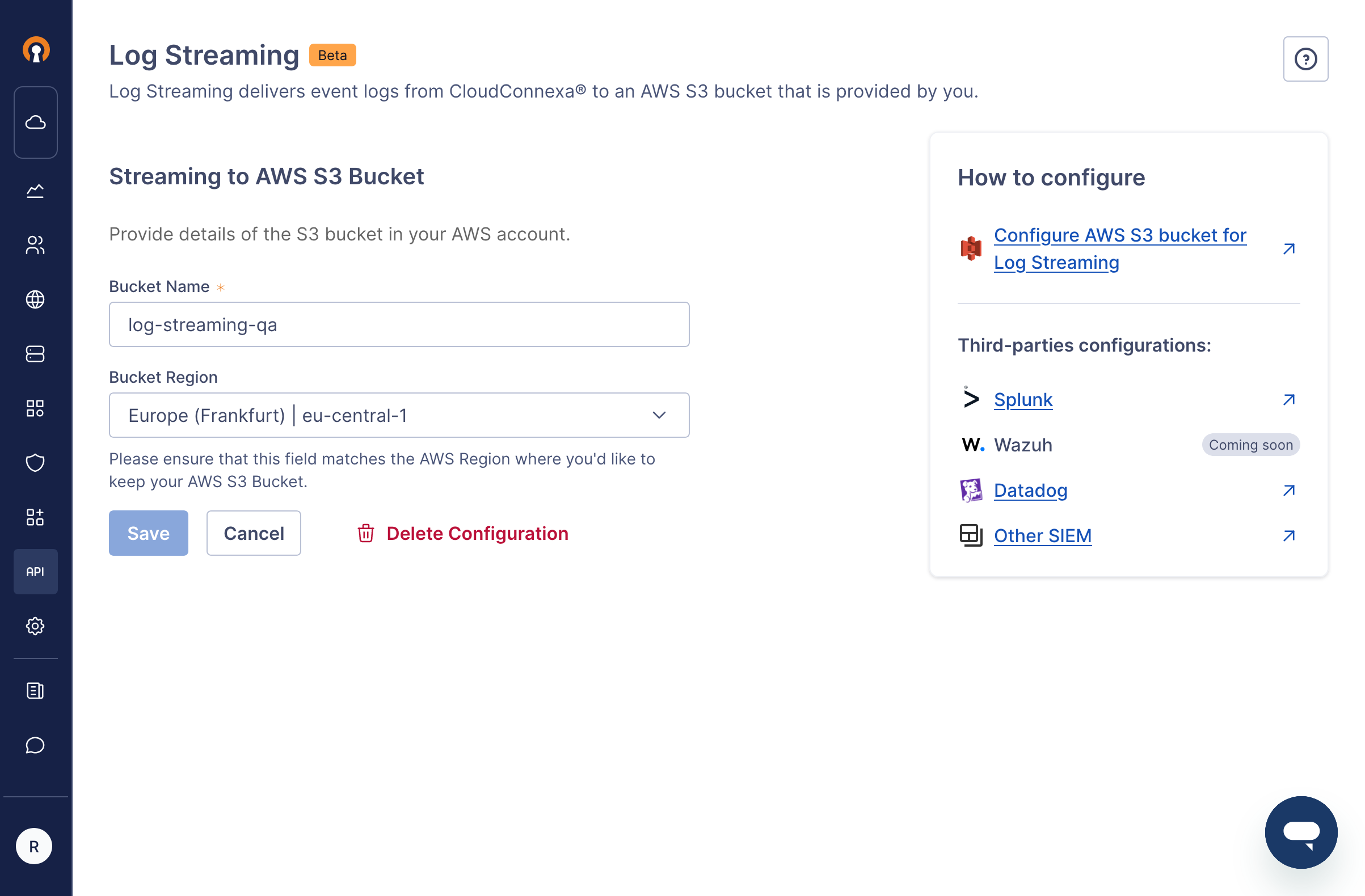
To change your AWS S3 bucket configuration after you have configured Log Streaming and activated it, follow the steps below:
Sign in to your WPC's Administration portal by entering your Cloud ID in a web browser (for example,
company_name.openvpn.com).Navigate to API & Logs > Log Streaming.
Click Edit, which is found next to the Streaming to AWS S3 Bucket heading.
Change the Bucket Name and Bucket Region as needed.
Click Save.
Screenshot showing the Edit page