Check the number of times the subscription limit was exceeded
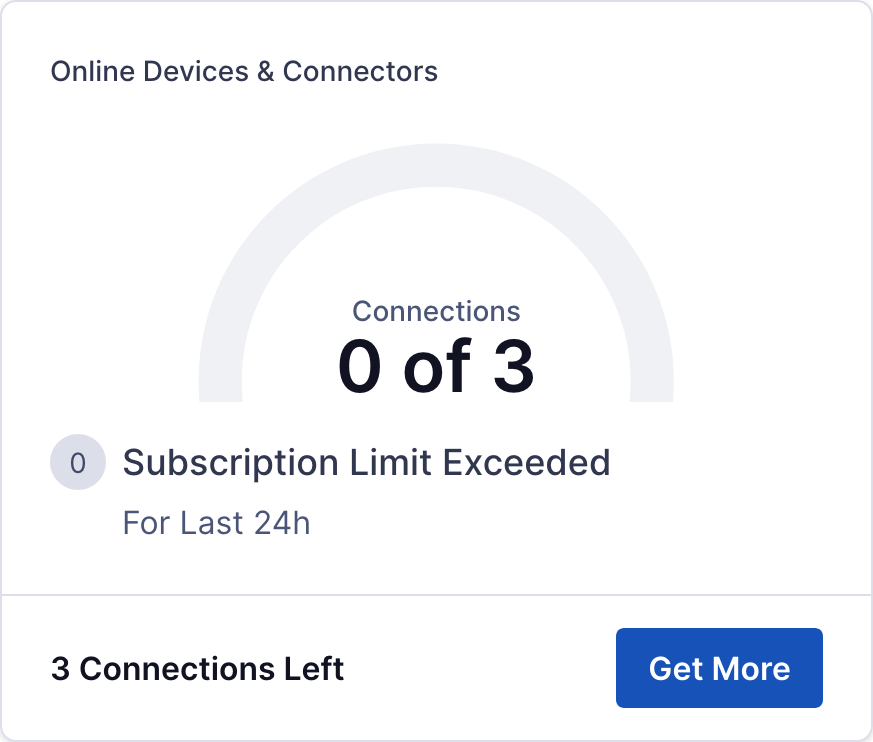
The Status page of the Administration portal contains a widget that displays the number of times the subscription limit was exceeded in the last 24 hours if you are on a connection-limited subscription plan.
To check the number of times the subscription limit was exceeded, follow the steps below:
Login to your WPC's Administration portal by entering your WPC's Cloud ID in the address bar of your web browser. For example, [company_name].openvpn.com.
Navigate to the Status section.
Review the information provided in the Online Devices & Connectors widget. The widget shows the number of times the subscription limit was exceeded in the last 24 hours.
If needed, the number of subscribed connections can be increased by clicking on Get More.
Screenshot of the 'Online Devices and Connectors' widget on the Status page