
OpenVPN Connect User Guide
This guide contains helpful documentation about using OpenVPN Connect to create a secure connection with Access Server, CloudConnexa, or other OpenVPN-protocol servers.
Use the documentation menu to find what you need, or click the most helpful link below.
Get connected
Import connection profiles to connect with a server.
Add proxies and certs
Add optional proxies or certificates and tokens.
Get authenticated
Set up basic, SAML, or MFA as your user authentication.
Fix issues
Check out troubleshooting FAQs and topics.
OpenVPN Connect for your OS
Read specifics about the app on your device.
End-to-end usage flow of OpenVPN Connect
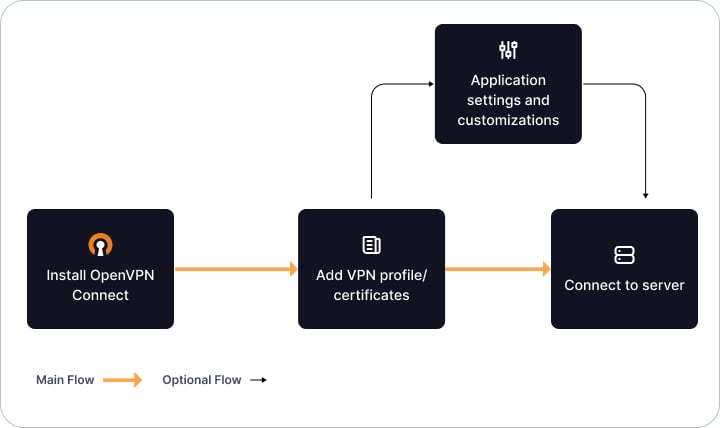
The diagram above shows how you can get started with OpenVPN Connect by following several simple steps:
Install the app for your operating system.
Import the connection profile from your VPN provider.
(Optional) Customize the app settings if needed.
You're ready to go with a fast, secure connection.