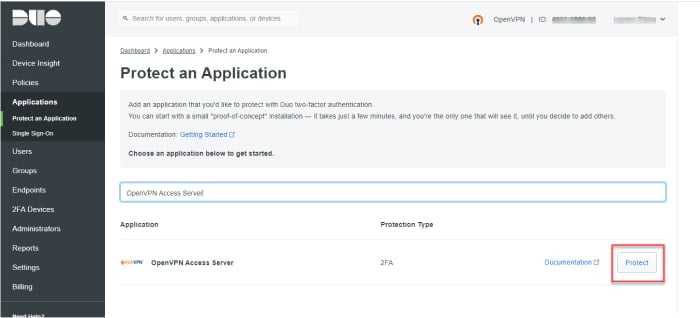
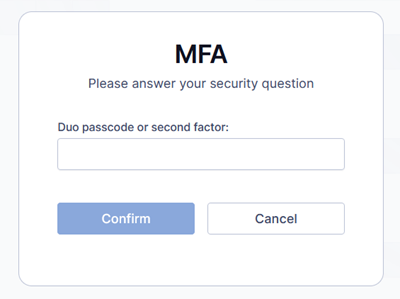
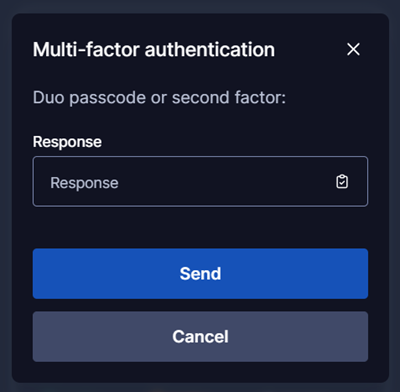
Tutorial: Add Duo Two-Factor Authentication to Access Server
Overview
Adding Duo 2FA to Access Server provides your business with enhanced security. You’ll provide remote, encrypted connections for users and strengthen authentication by introducing a second factor.
With Duo integration, users can authenticate using:
Push notifications (Duo Mobile app)
SMS passcodes
Phone call verification
Access Server also has built-in TOTP MFA support.
When configured, the authentication flow works as follows.
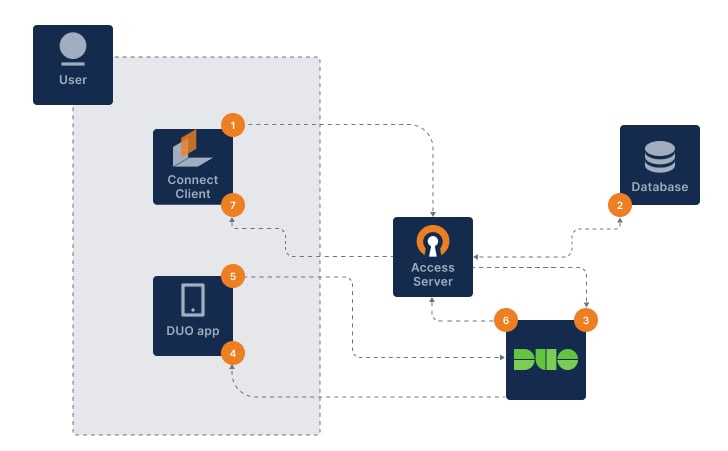
The user signs in with OpenVPN Connect.
Access Server authenticates username and password (primary auth).
Access Server notifies Duo via HTTPS API to begin the 2FA procedure.
Duo sends secondary auth via the user’s chosen method.
The user sends a correct response.
Duo sends an authentication response back to Access Server.
OpenVPN connection established.
Prerequisites
A Duo account.
An installed Access Server.