Tutorial: Setting Up Your Access Server Hostname for the Admin/Client Web UIs
Overview
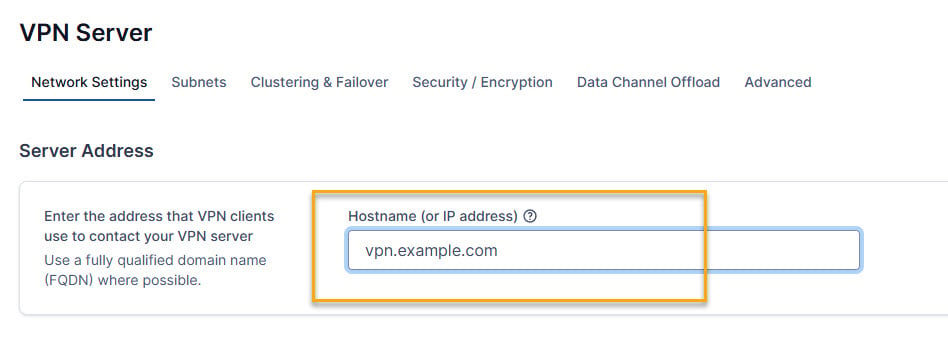
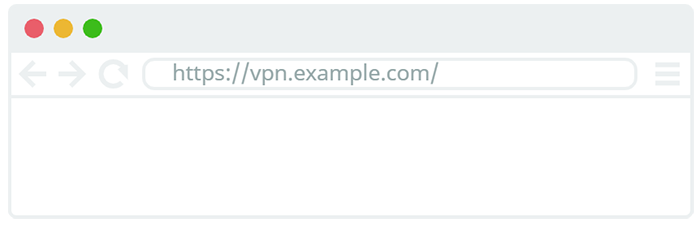
This tutorial shows you how to set up your Access Server hostname to easily connect to the Client and Admin Web UIs in a browser. A hostname replaces your server's public IP address that you initially use to sign in to the Admin Web UI. Your client apps also use the hostname for connections.
This tutorial will cover the following steps:
Register a domain name.
Add a DNS A record for the hostname.
Add the hostname in the Admin Web UI.
Sign in to your UIs or connect to the VPN server with the Access Server hostname.