
Tutorial: How to Clear All Global Access Control Rules
Overview
Follow these steps to remove access control for global rules. If you configure all your access at the group and user levels, you also want to clear all global access control rules.
Step 1: Clear global access control rules
Sign in to the admin Web UI.
Click Access Controls.
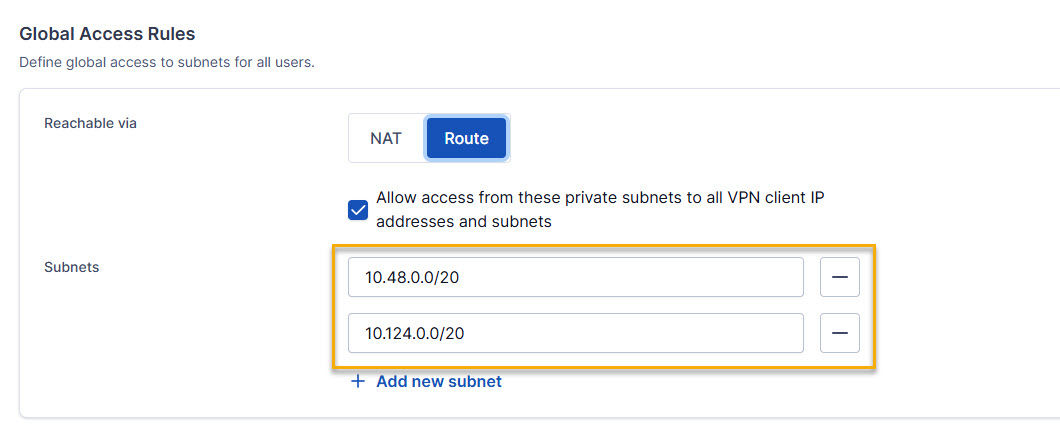
Click the Global Access Rules tab.
Delete all of the subnets defined with global access for all users.
Click Save and Restart.